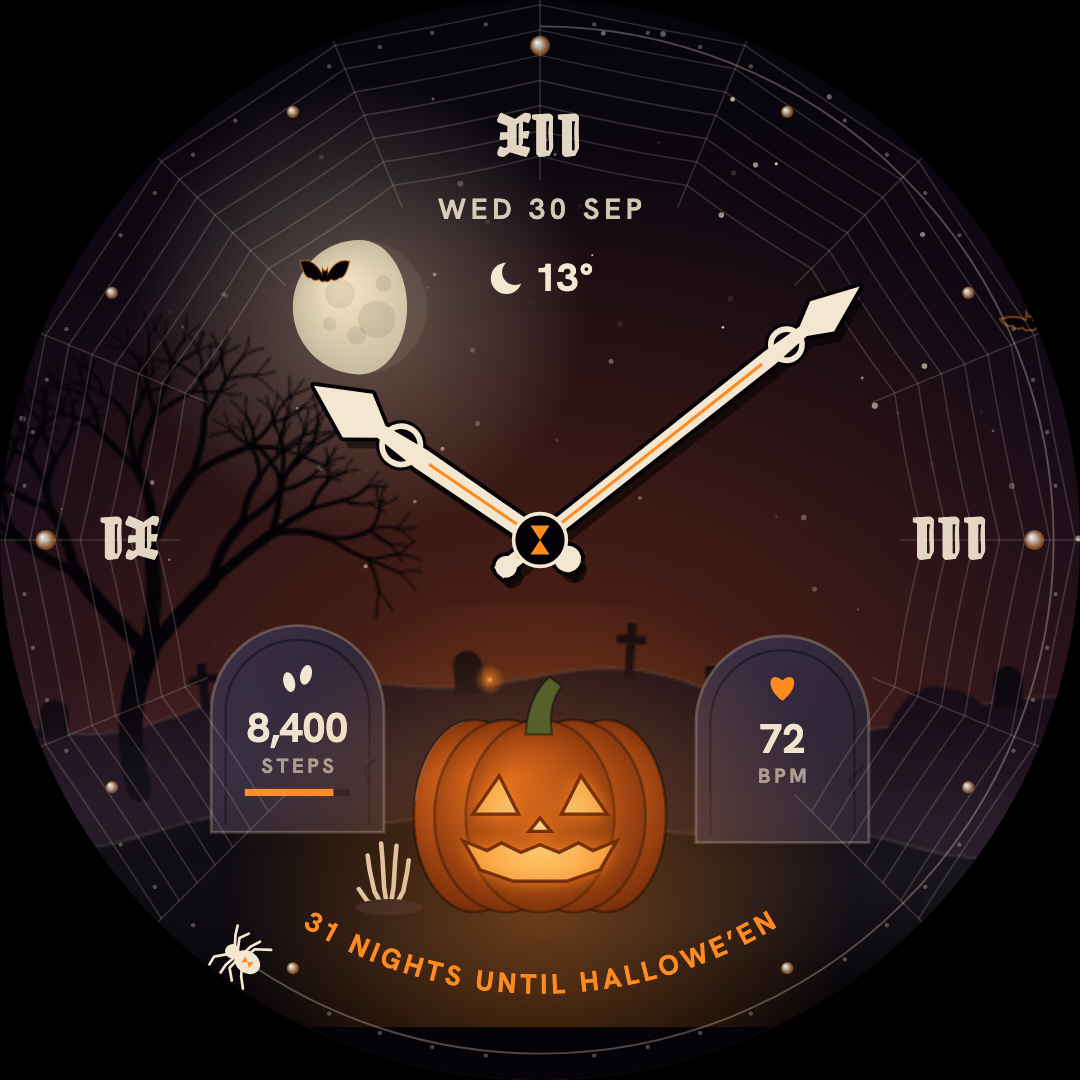
A glowing jack-o’-lantern, a moonlit sky, and a wonderfully haunted hour.
HALLOWEEN / WEAR OS 5+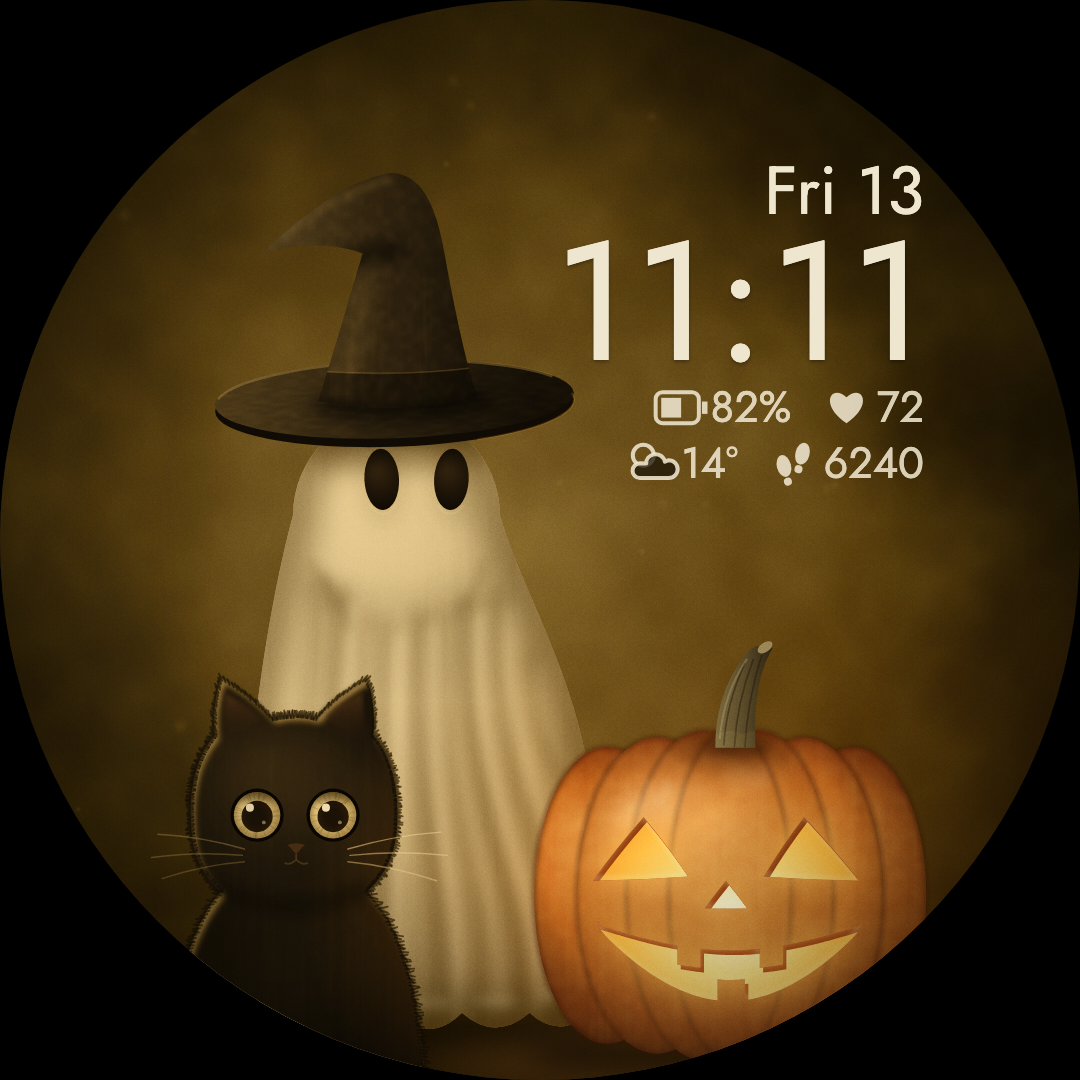 Artwork from the actual watch face.
Artwork from the actual watch face.Preview: Ghost, black cat and glowing pumpkin in Sepia
Halloween / Vivid collection
Boo Crew
Ghost and black cat Halloween watch face
A tiny Halloween story, always close by. A ghost in a witch hat and a wide-eyed black cat gather around a glowing pumpkin in a warm, vintage scene.
5color moods
Tapcharacter reactions
Digitaltime & date
Get it on Google Play
One-time purchase · Local price shown on Google Play
Need a hand? Installation guide · App privacy
Requires Wear OS 5 or later. Google Play checks your watch’s compatibility before purchase.
The little details
More to love.
Every time you look.
Meet the crew.
A ghost, a black cat and a jack-o’-lantern share a cozy, storybook scene.
Little reactions.
Tap the ghost for a hat tip, the cat for a blink, or the pumpkin to see its candle flare.
Five autumn moods.
Choose Sepia, Midnight, Moss, Plum or Rust in the watch face editor.
A practical little haunting.
Digital time, date and watch data sit alongside the artwork. There is a separate always-on display.
Make yourself at home
Ready for
your wrist?
Install from Google Play, then make it yours.
Will these work with my watch?
Our watch faces are made for Wear OS. Some require Wear OS 4 or later, others Wear OS 5 or later—check the version on each product page. Google Play shows whether your connected watch is compatible.
How do I install a watch face?
Open the face’s Google Play listing, choose your compatible watch, and complete the purchase. After it installs, open your watch face gallery and select the new face. Long-press the face to find Edit or Customize; wording varies by watch.
Can I use them on an Apple Watch?
The current collection is for Wear OS. These faces do not work on Apple Watch or older Samsung watches running Tizen.
Where can I see the price?
The Google Play listing shows the current price for your country and account. Each watch face is purchased separately through Google Play.
A different kind of day
You might also love.
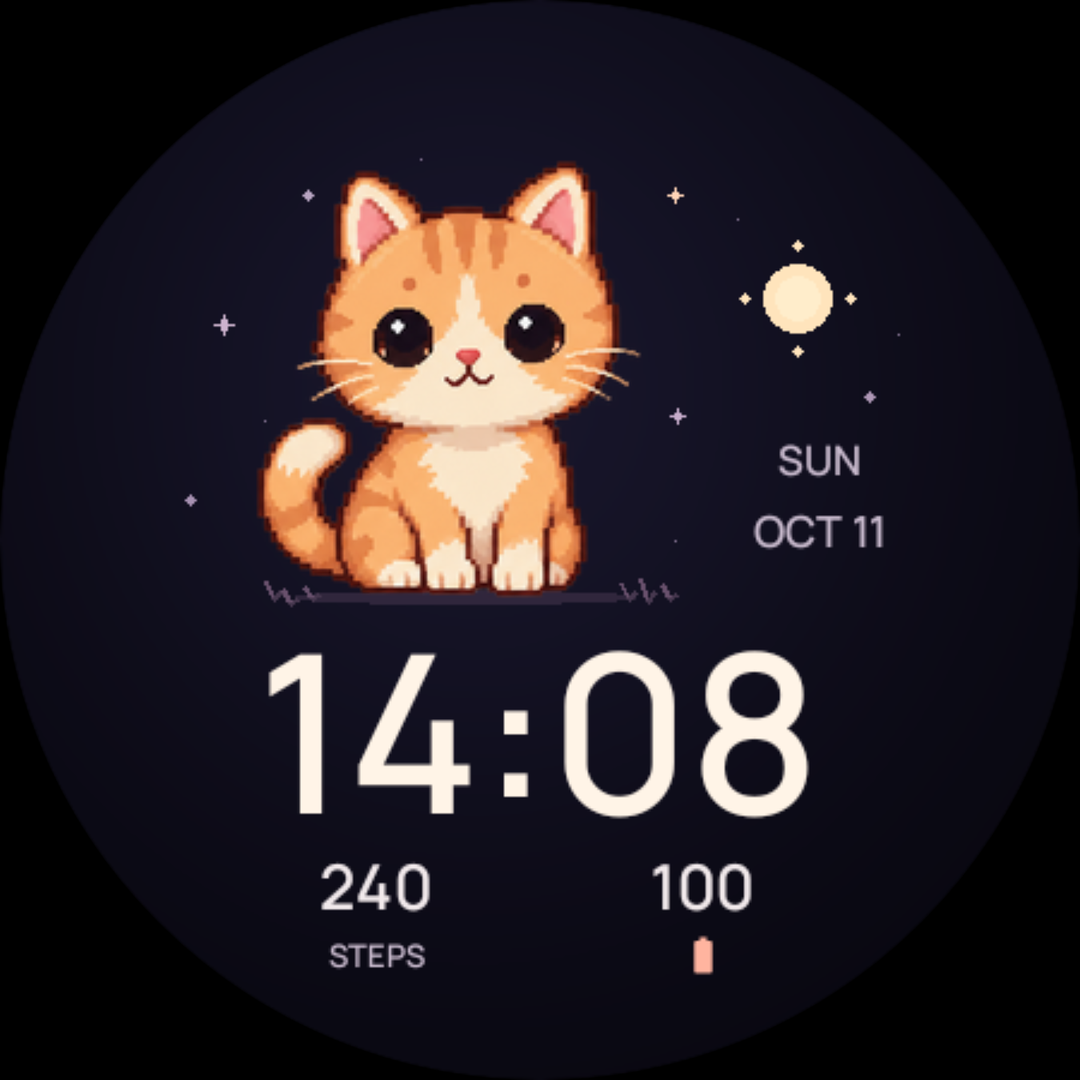
A kitten, a puppy, a bunny. A little company for every part of your day.
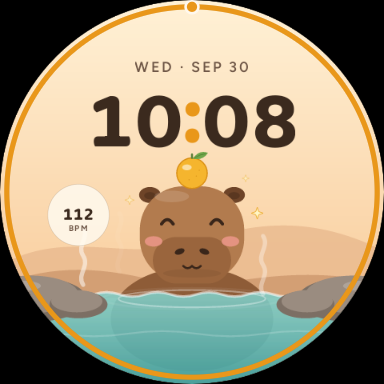
Hot springs, soft skies, and the calmest companion on your wrist.