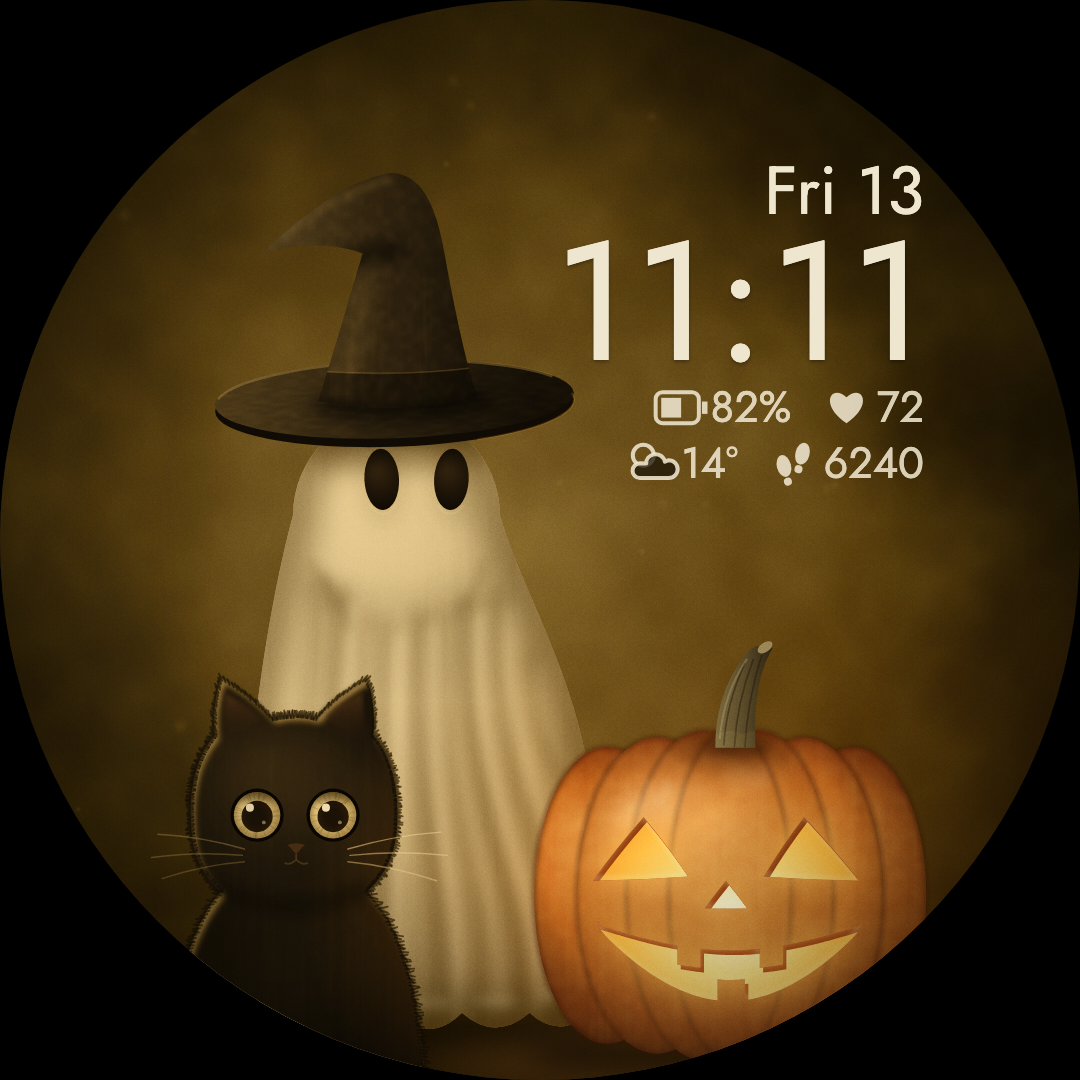
A friendly ghost, a curious black cat, and a pumpkin with a warm glow.
HALLOWEEN / WEAR OS 5+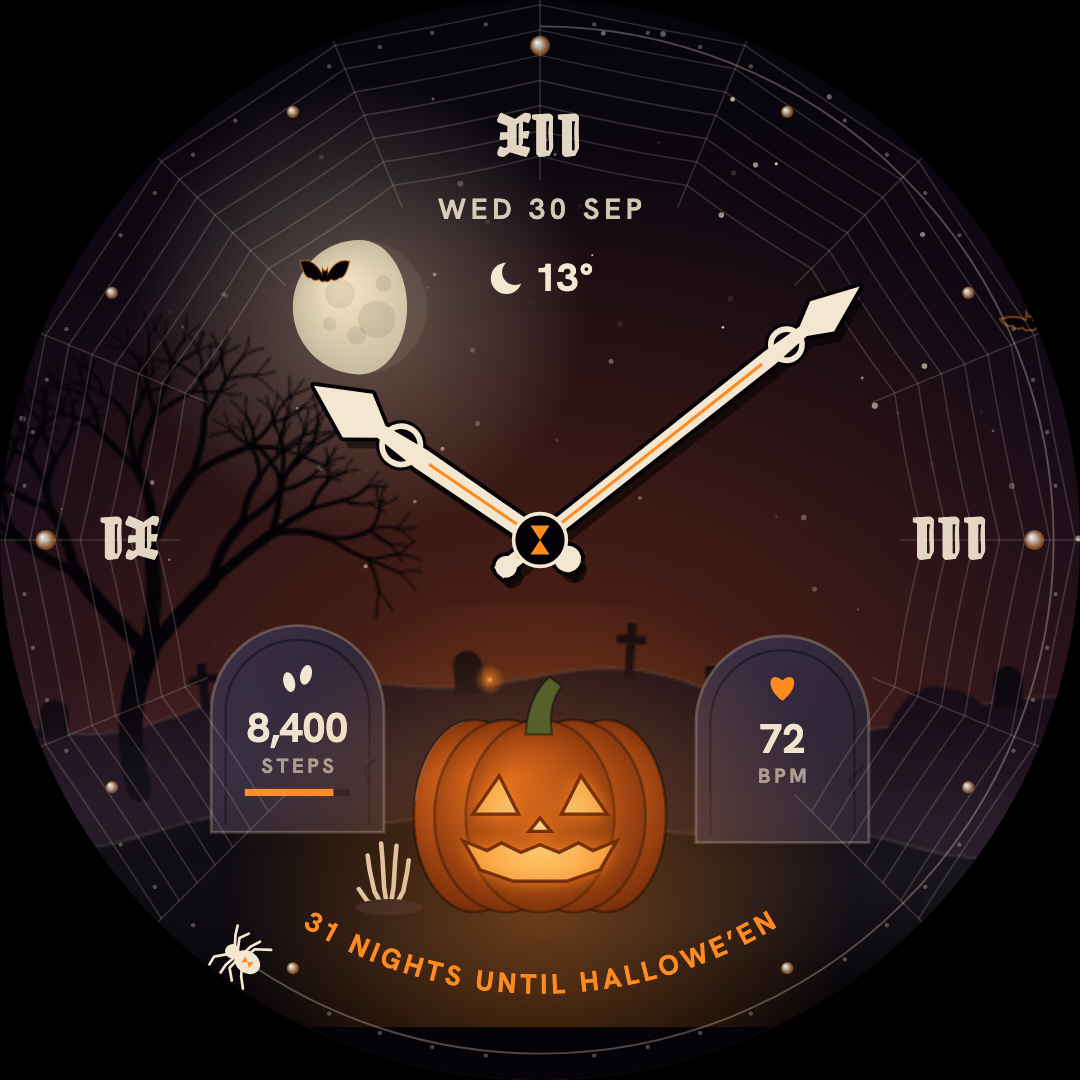 Artwork from the actual watch face.
Artwork from the actual watch face.Preview: Classic Hollow Hour analog watch face with pumpkin and moon
Halloween / Vivid collection
Hollow Hour
Pumpkin and moon-phase Halloween watch face
Turn every glance into a small midnight scene. A jack-o’-lantern reflects your battery level beneath a real moon phase, with a spider marking the seconds around the dial.
6color themes
4haunted scenes
2clock modes
Get it on Google Play
One-time purchase · Local price shown on Google Play
Need a hand? Installation guide · App privacy
Requires Wear OS 5 or later. Google Play checks your watch’s compatibility before purchase.
The little details
More to love.
Every time you look.
A pumpkin with a purpose.
The jack-o’-lantern dims as your battery drains and brightens when you recharge.
Tonight’s real moon.
The moon phase is calculated on the watch, adding a little night-sky detail to your dial.
Choose your haunt.
Six color themes, four scenes and four pumpkin carvings, with analog and digital clock options.
A seasonal ritual.
A Halloween countdown, date-specific surprises and a separately designed always-on display.
Make yourself at home
Ready for
your wrist?
Install from Google Play, then make it yours.
Will these work with my watch?
Our watch faces are made for Wear OS. Some require Wear OS 4 or later, others Wear OS 5 or later—check the version on each product page. Google Play shows whether your connected watch is compatible.
How do I install a watch face?
Open the face’s Google Play listing, choose your compatible watch, and complete the purchase. After it installs, open your watch face gallery and select the new face. Long-press the face to find Edit or Customize; wording varies by watch.
Can I use them on an Apple Watch?
The current collection is for Wear OS. These faces do not work on Apple Watch or older Samsung watches running Tizen.
Where can I see the price?
The Google Play listing shows the current price for your country and account. Each watch face is purchased separately through Google Play.
A different kind of day
You might also love.
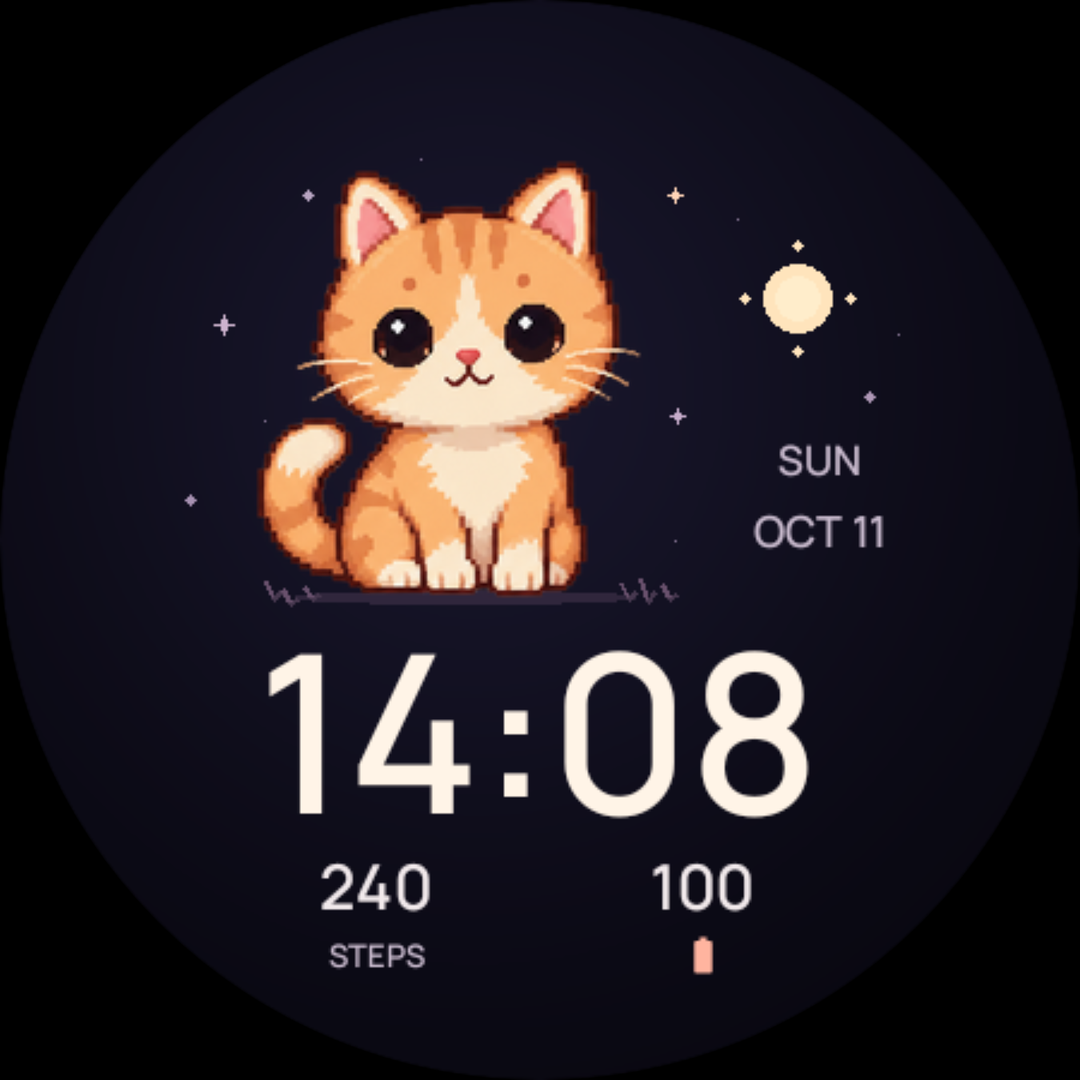
A kitten, a puppy, a bunny. A little company for every part of your day.
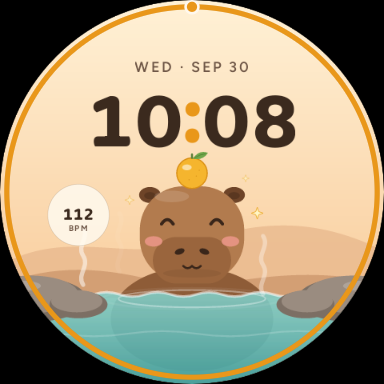
Hot springs, soft skies, and the calmest companion on your wrist.