A kitten, a puppy, a bunny. A little company for every part of your day.
Original watch faces for Wear OS
Small screen.
Big personality.
A cozy companion. A neon night drive. A little seasonal magic. Make every glance feel a little more you.
Find your favorite. Get it on Google Play.
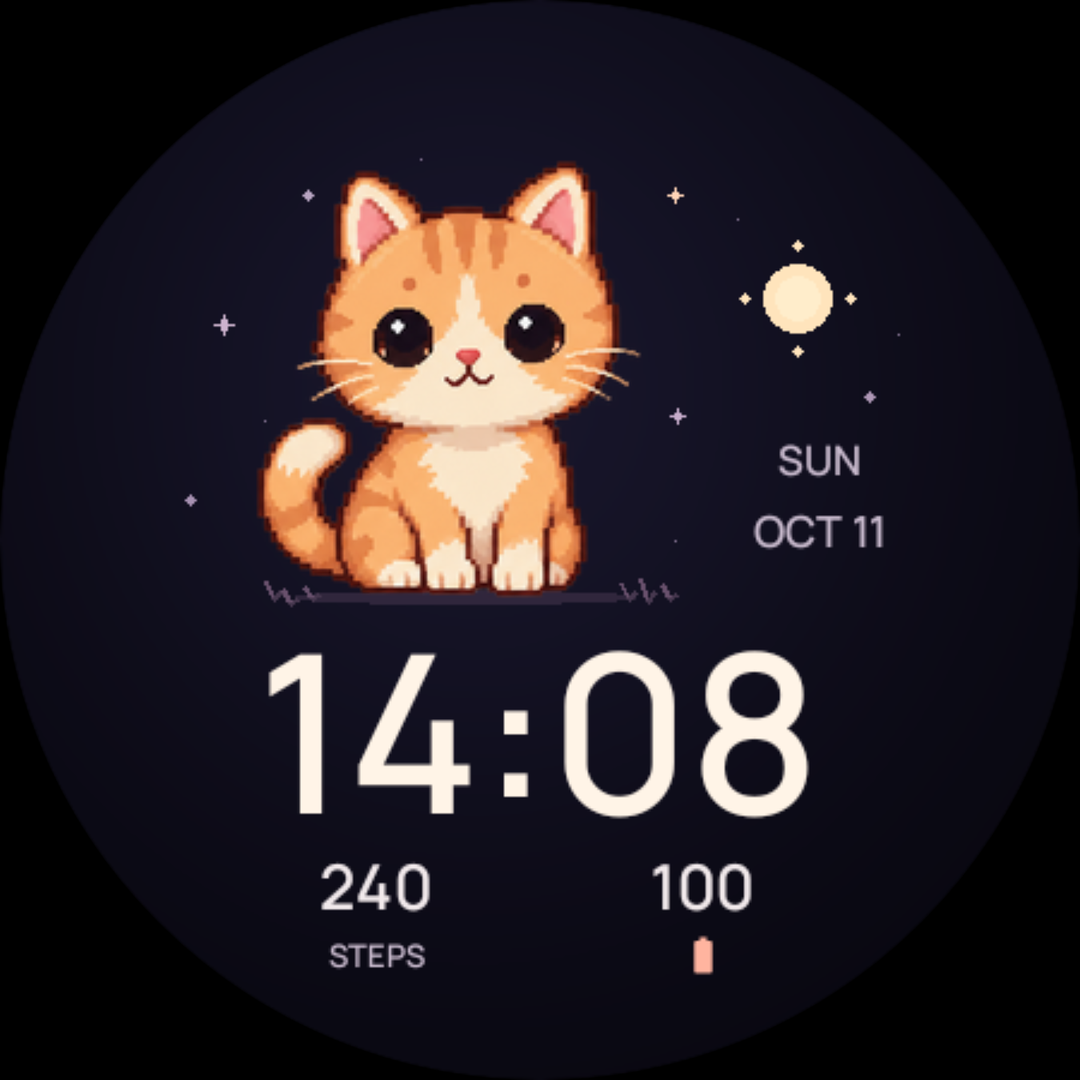
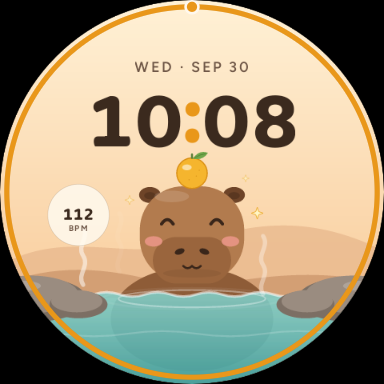
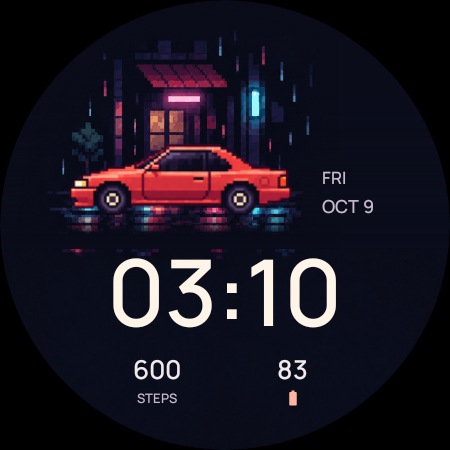 your daily dose of cute ↗after-dark energy ↙a little moment of calm
◷ Designed for Wear OS✳ Six little worlds. Plenty of personality.↗ Available on Google Play
The collection / 06 faces
Find your everyday favorite.
Good company for your wrist.
Pick the one that feels like you.
6 watch faces shown.
Hot springs, soft skies, and the calmest companion on your wrist.
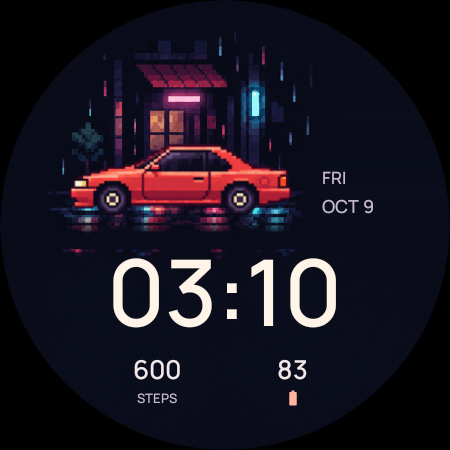
A quiet night drive. Pixel-art cars, neon light, and a rain-soaked street.
A friendly ghost, a curious black cat, and a pumpkin with a warm glow.
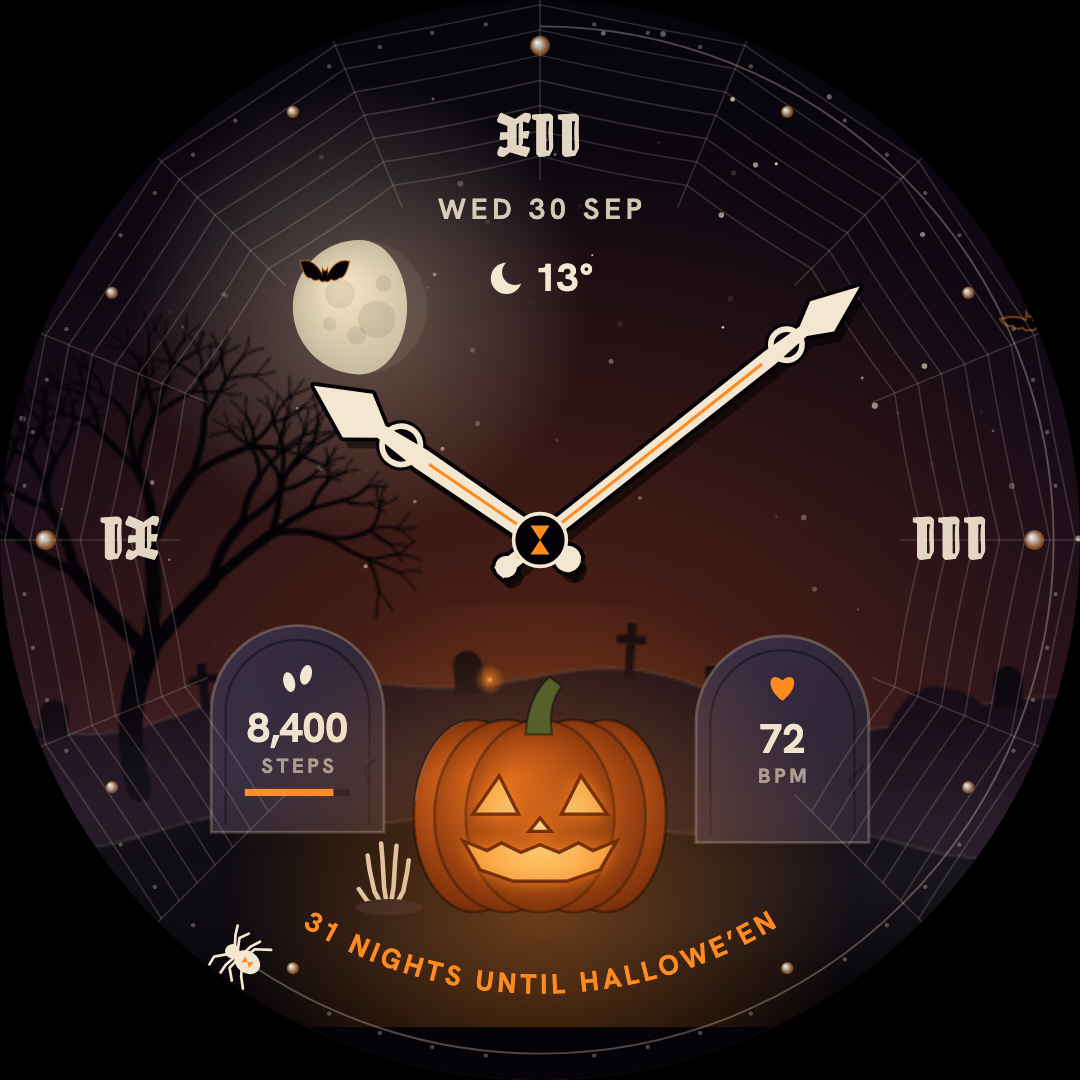
A glowing jack-o’-lantern, a moonlit sky, and a wonderfully haunted hour.
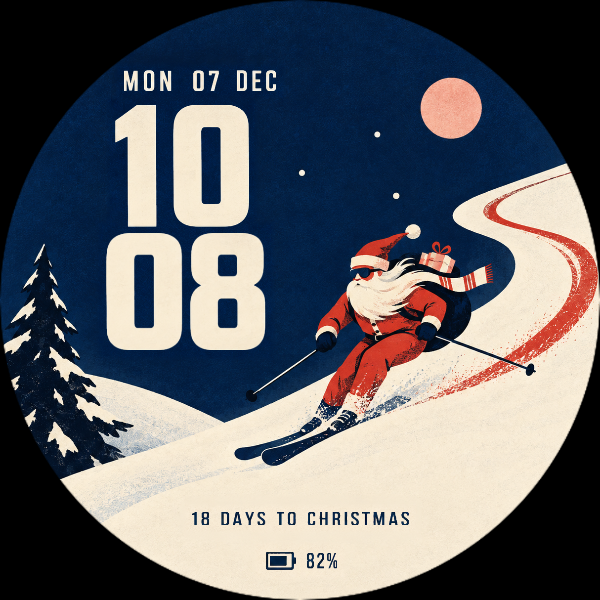
Santa takes the scenic route. Vintage ski-poster charm and a little snowfall.
Each face is a separate purchase. See your local price and watch compatibility on Google Play.
The Halloween edit / Seasonal watch faces
A little spooky.
A lot of character.
Friendly ghosts or haunted hours? Find a little autumn atmosphere for your wrist.
Explore the Halloween edit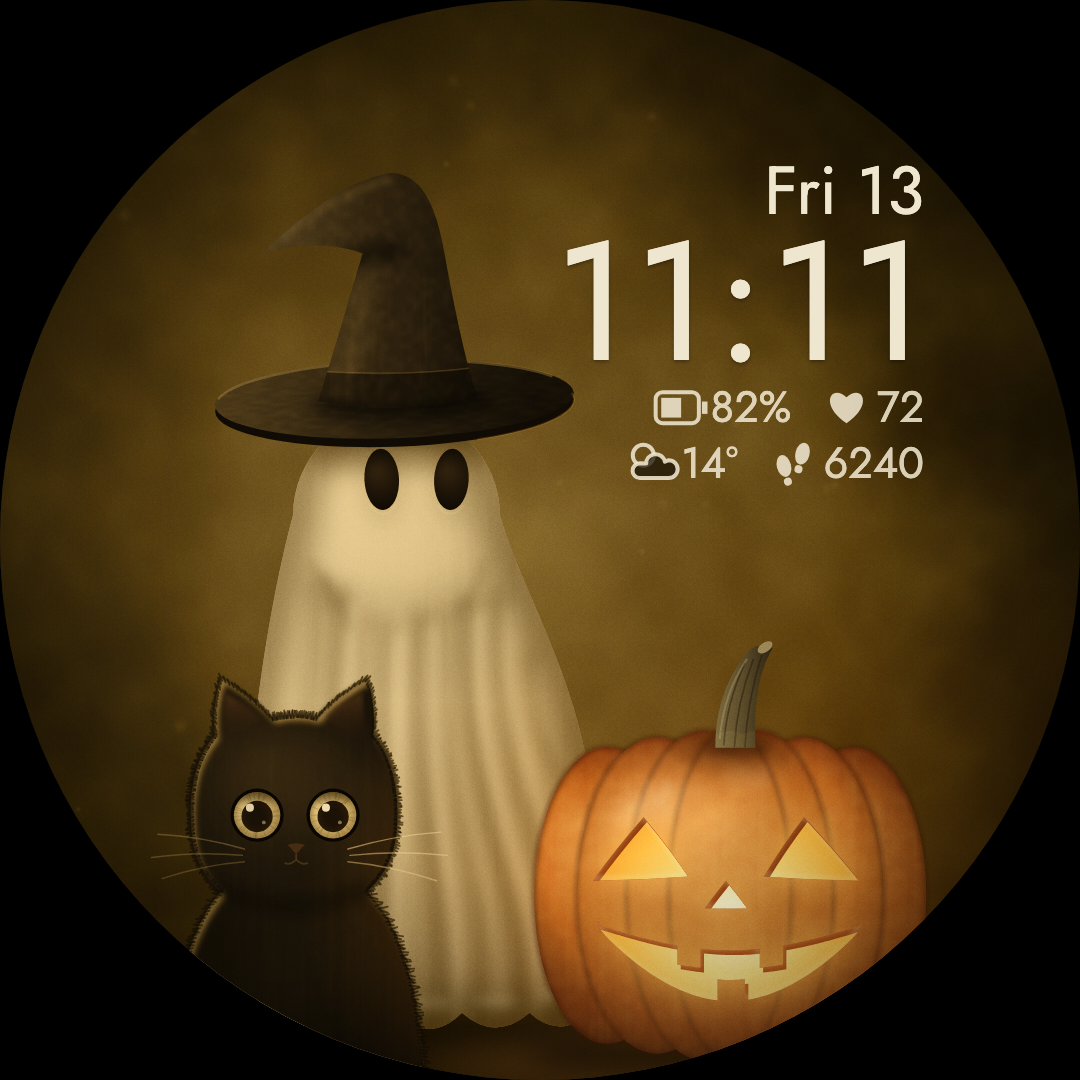
From here to your wrist
Three little steps. A fresh look.
01 /
Find your face.
Explore the artwork, preview the included looks, and check the Wear OS version.
02 /
Get it on Google Play.
See your local price, select your compatible watch, and purchase securely through Google Play.
03 /
Make it your own.
Select the face on your watch. Long-press, choose Edit, and find your favorite combination.
Good to know
Before it finds
your wrist.
A few useful things to know before you choose.
Will these work with my watch?
Our watch faces are made for Wear OS. Some require Wear OS 4 or later, others Wear OS 5 or later—check the version on each product page. Google Play shows whether your connected watch is compatible.
How do I install a watch face?
Open the face’s Google Play listing, choose your compatible watch, and complete the purchase. After it installs, open your watch face gallery and select the new face. Long-press the face to find Edit or Customize; wording varies by watch.
Can I use them on an Apple Watch?
The current collection is for Wear OS. These faces do not work on Apple Watch or older Samsung watches running Tizen.
Where can I see the price?
The Google Play listing shows the current price for your country and account. Each watch face is purchased separately through Google Play.